Multistream by design
Work with Twitch, YouTube, Kick, and TikTok chat from one application instead of treating each platform as a separate setup.
SheevChat is more than a chatbot. It brings Twitch, YouTube, Kick, and TikTok chat together with visual automations, community tools, viewer media, OBS overlays, and mobile controls. One approachable Windows app instead of a stack of disconnected services.
Free tier always available · No SheevChat cloud account required for ordinary operation
Unified workspace
Bring Twitch, YouTube, Kick, and TikTok chat together with live events, viewers, moderation, and bot tools.
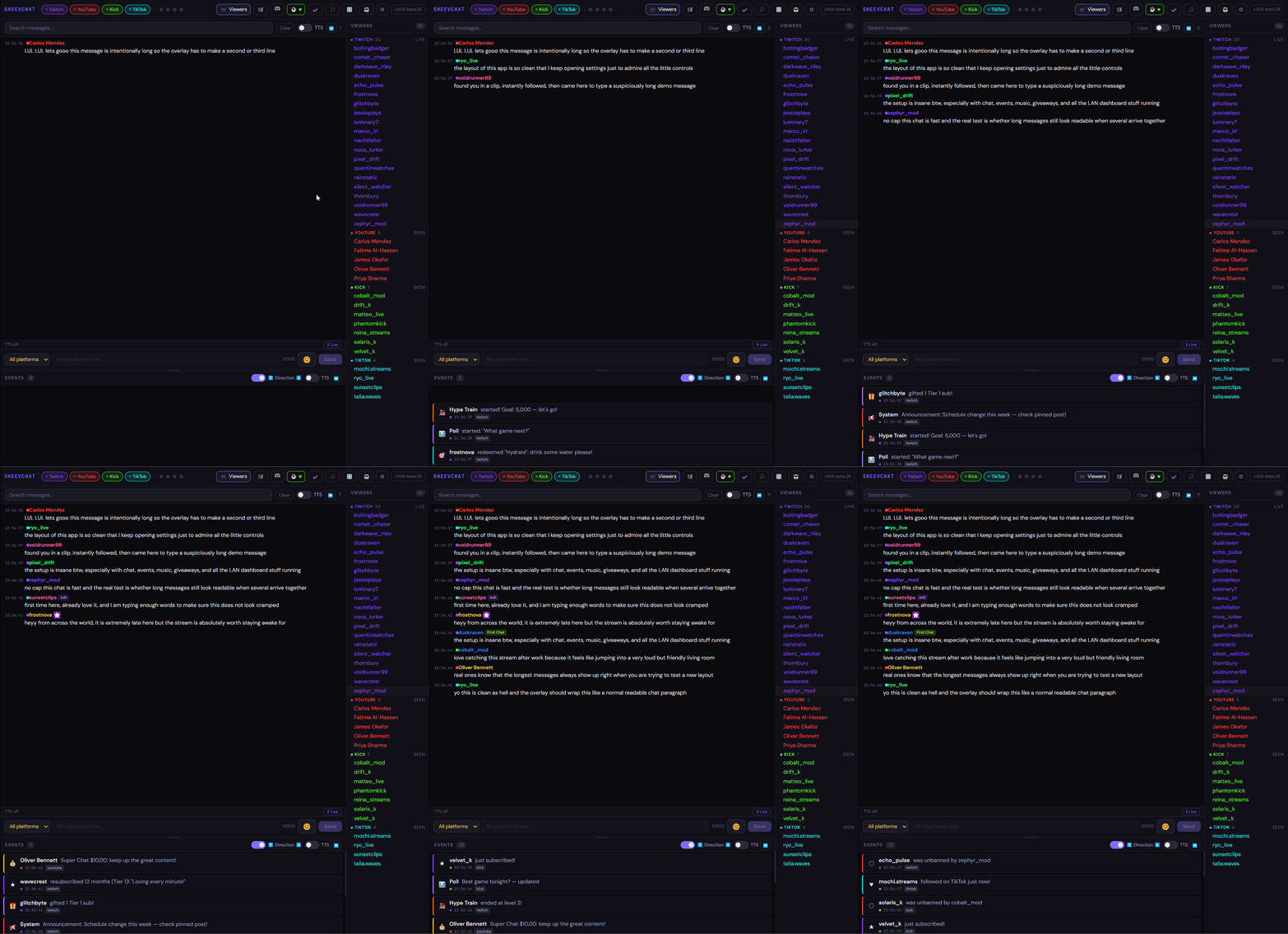

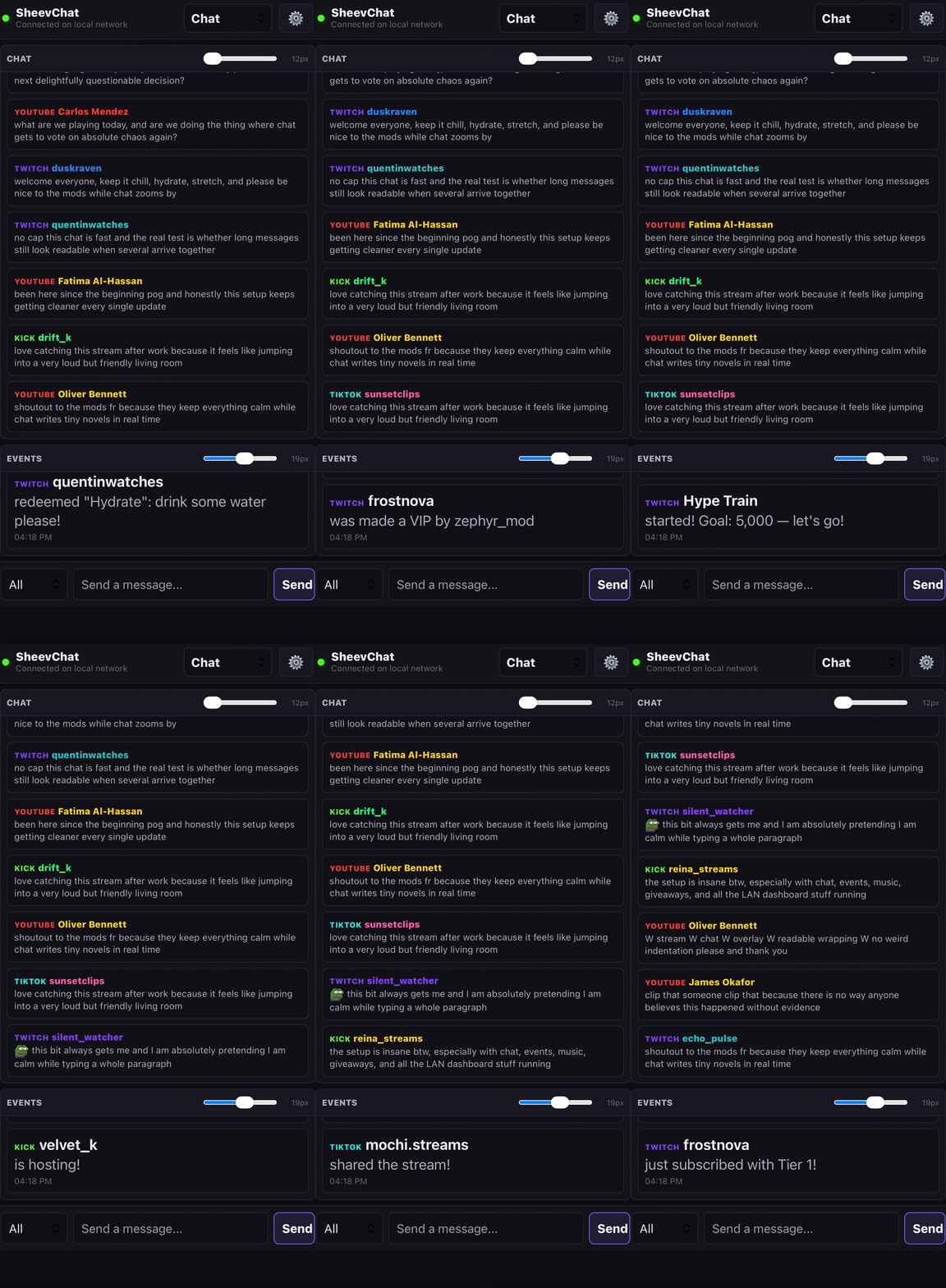
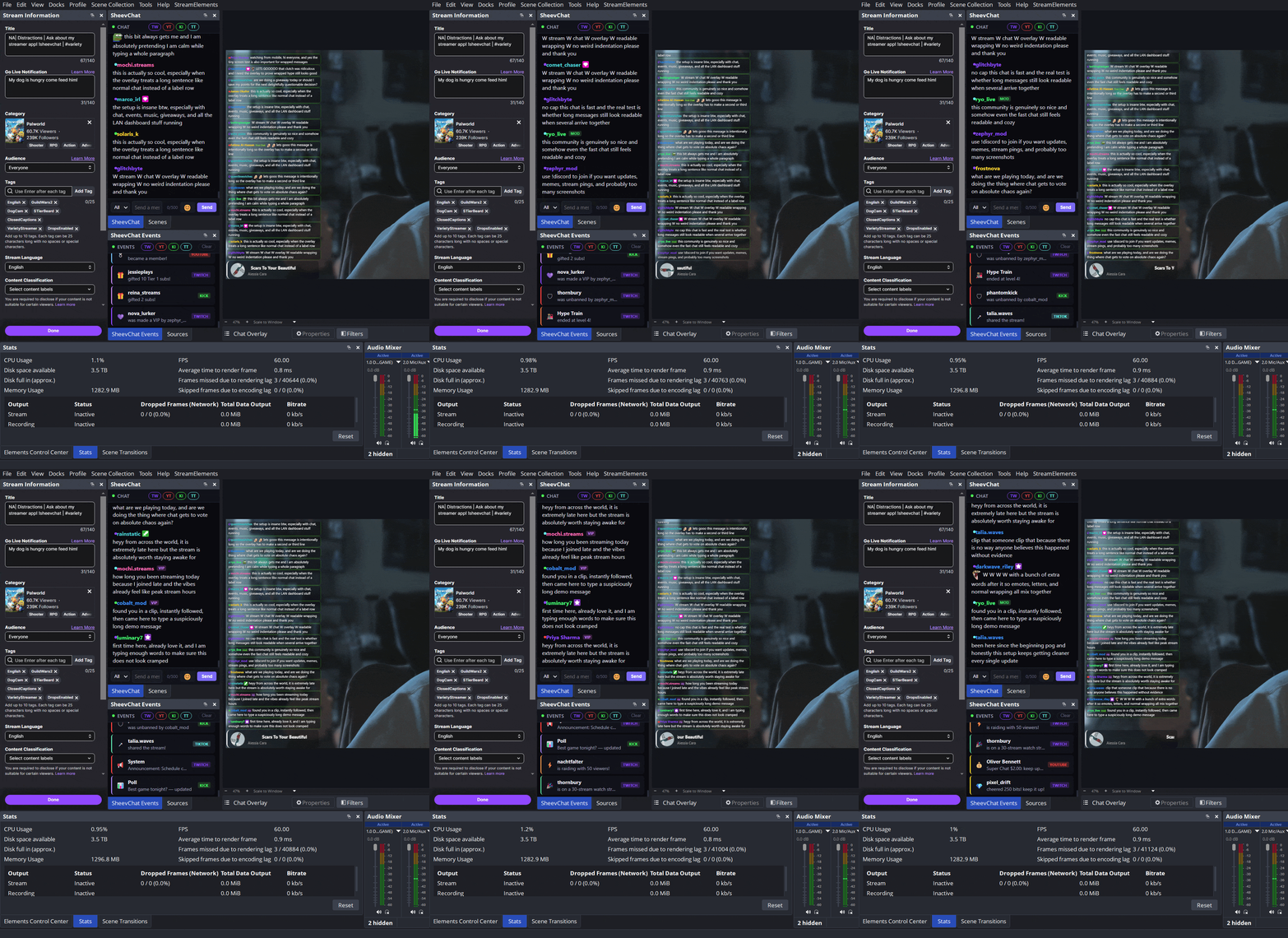
Twitch, YouTube, Kick, and TikTok in one scrollable feed with platform color coding, badges, inline emotes, clickable user cards, points, watchtime, follow data, and moderation history.
Built-in default commands plus unlimited custom commands with aliases, permissions, cooldowns, per-platform toggles, variables, command search, counters, and optional chat responses.
Trigger workflows from follows, subs, bits, raids, redeems, birthdays, first chats, welcome backs, ad breaks, keywords, OBS events, and more, then run full action sequences.
Recurring messages or action chains with intervals, chat-line requirements, platform guards, random or sequential rotation, and imported timer support.
Cross-platform points, passive and chat earning, ranks, transfers, gamble, duels, bonuses, birthdays, user counters, and watchtime tracking across sessions.
Keyword, ticket, username, subscriber bonus, and loyalty-weighted giveaways with live controls, status commands, custom images, overlays, carousel or stack modes, and transparent ticket math.
Timeouts, bans, unbans, message deletes, clear chat, title and category updates, shoutouts, raids, VIP and moderator tools, and guarded platform actions from inside SheevChat.
One event timeline for follows, subs, resubs, gifts, raids, bits, memberships, super chats, redeems, hype trains, polls, predictions, charity events, and more.
Chat and event TTS with voice, volume, speed, filters, per-platform controls, hotkeys, and optional local AI voices through Piper and Kokoro.
A scene-ready canvas editor for custom overlays, widgets, image and text animations, reusable themes, Master Overlay switching, and OBS-friendly browser sources.
Persistent browser-source and dock URLs for chat, events, viewers, overlays, mobile pairing, and the moderator dashboard, plus OBS WebSocket refresh and control support.
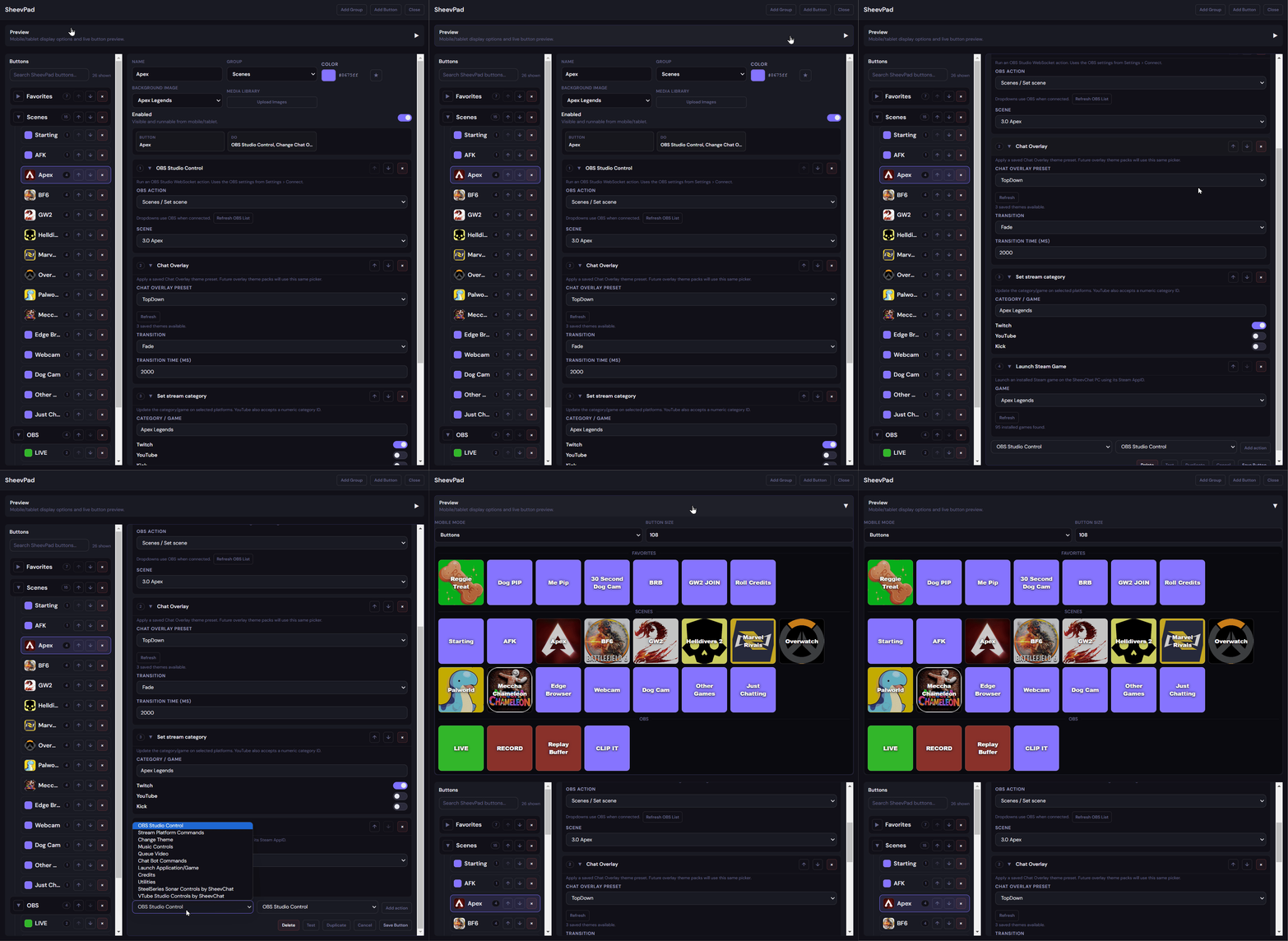
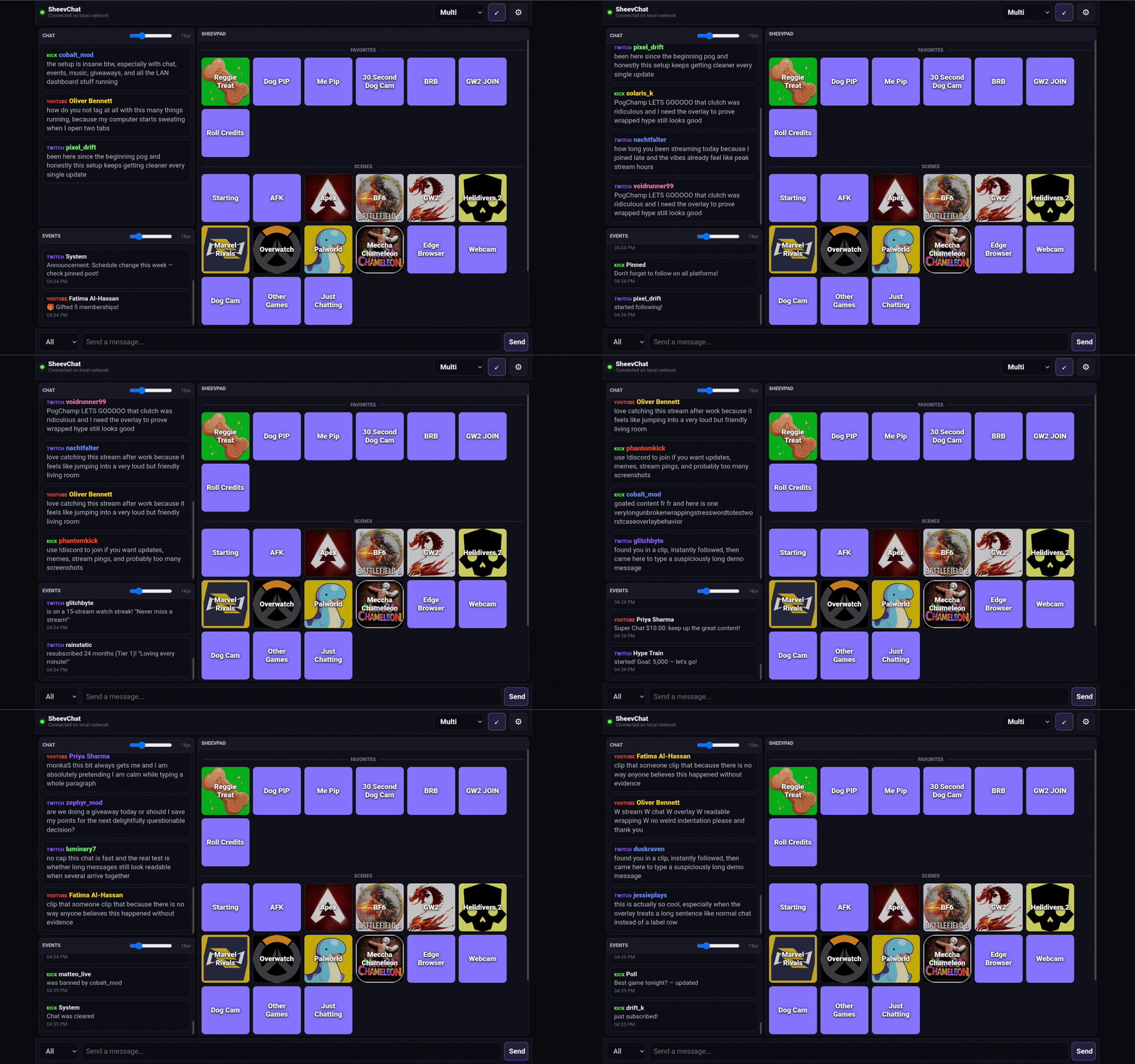
A free stream-deck-style control surface for desktop, mobile, and tablet that runs commands, automations, OBS controls, app launches, and imported actions.
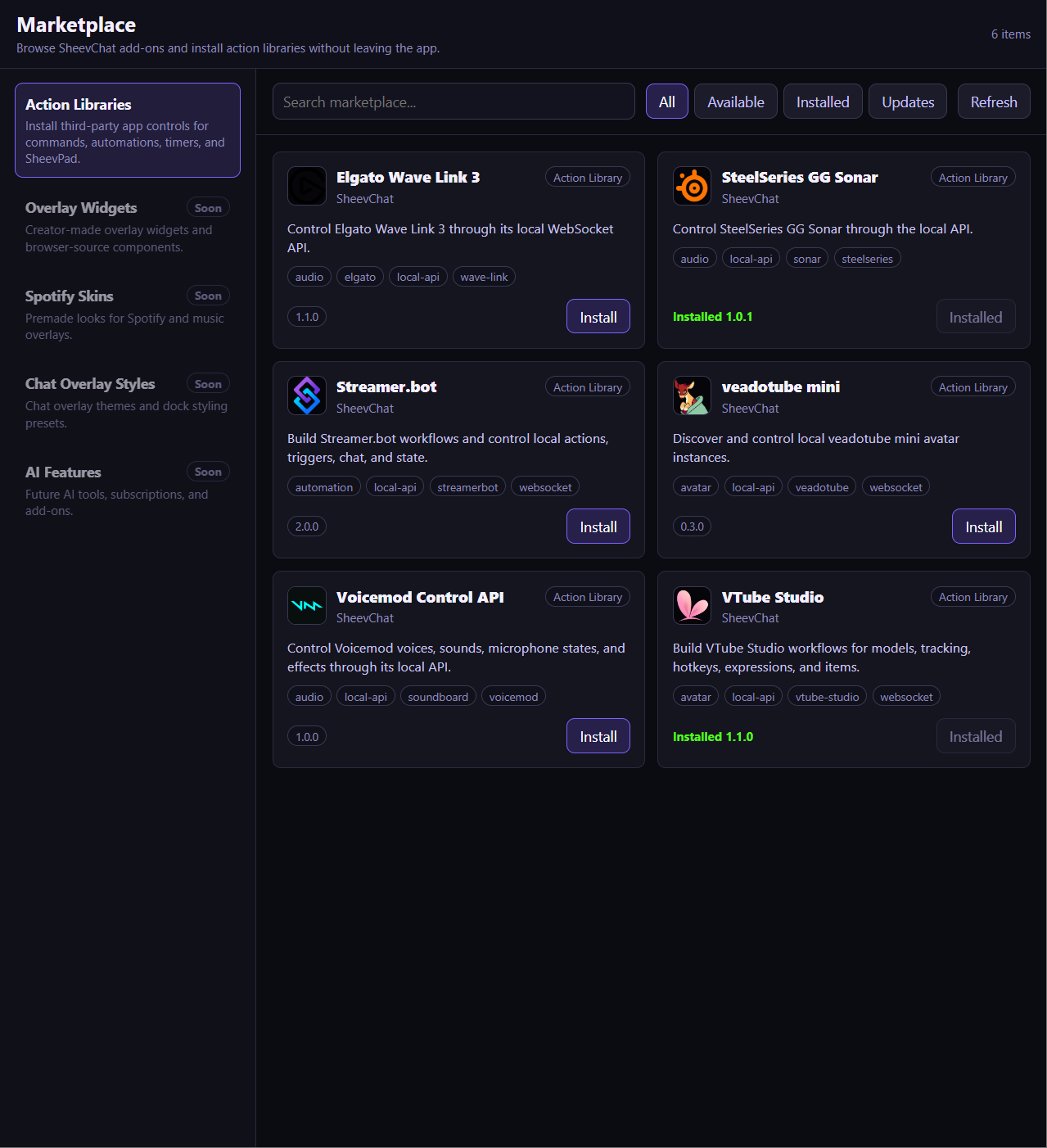
Import third-party app integrations with .sheevactions packs supporting HTTP, WebSocket, IPC/RPC, UDP, discovery, credentials, cascading fields, and runtime feedback.
Spotify Now Playing, YouTube media queue, song requests, media library, overlay-safe video handling, and !playclip support for TikTok, Shorts, Reels, Twitch Clips, and Kick Clips.
Guided imports from StreamElements, Streamlabs, Nightbot, Moobot, and more, with SheevChat’s core feature set free by default and future AI or premium features kept optional.
Why SheevChat
SheevChat is built for creators who want serious control without becoming automation engineers. Chat, community tools, actions, overlays, OBS, media, and mobile controls share one approachable workflow.
Work with Twitch, YouTube, Kick, and TikTok chat from one application instead of treating each platform as a separate setup.
The same action system powers commands, timers, automations, and SheevPad buttons, so each thing you learn carries into the next workflow.
Your core stream tools run from your own PC. Pair a browser-based phone or tablet when you want a control deck or remote moderation.
A focused product can respond quickly to new platforms, creator workflows, app connections, and useful ideas without waiting for a sprawling product stack to catch up.
Powerful enough to grow with your stream. Approachable enough to use without writing scripts.
Compare your options →Creator voices
Creators with established communities use and support SheevChat.

117K+ Followers
“Ohhh, so all my stream stuff can just live in one place? Noice!”

324K+ Followers
“All works so seamless, wishing everything in life was as simple.”
Follower totals are rounded across the linked platforms.
Windows 10/11 — 64-bit. No account required.
↓ Download for WindowsmacOS / Linux builds are not currently available.
By downloading SheevChat, you agree to our Terms of Service and Action Library Privacy Policy.